How to upload data to the Web side
Step 1:
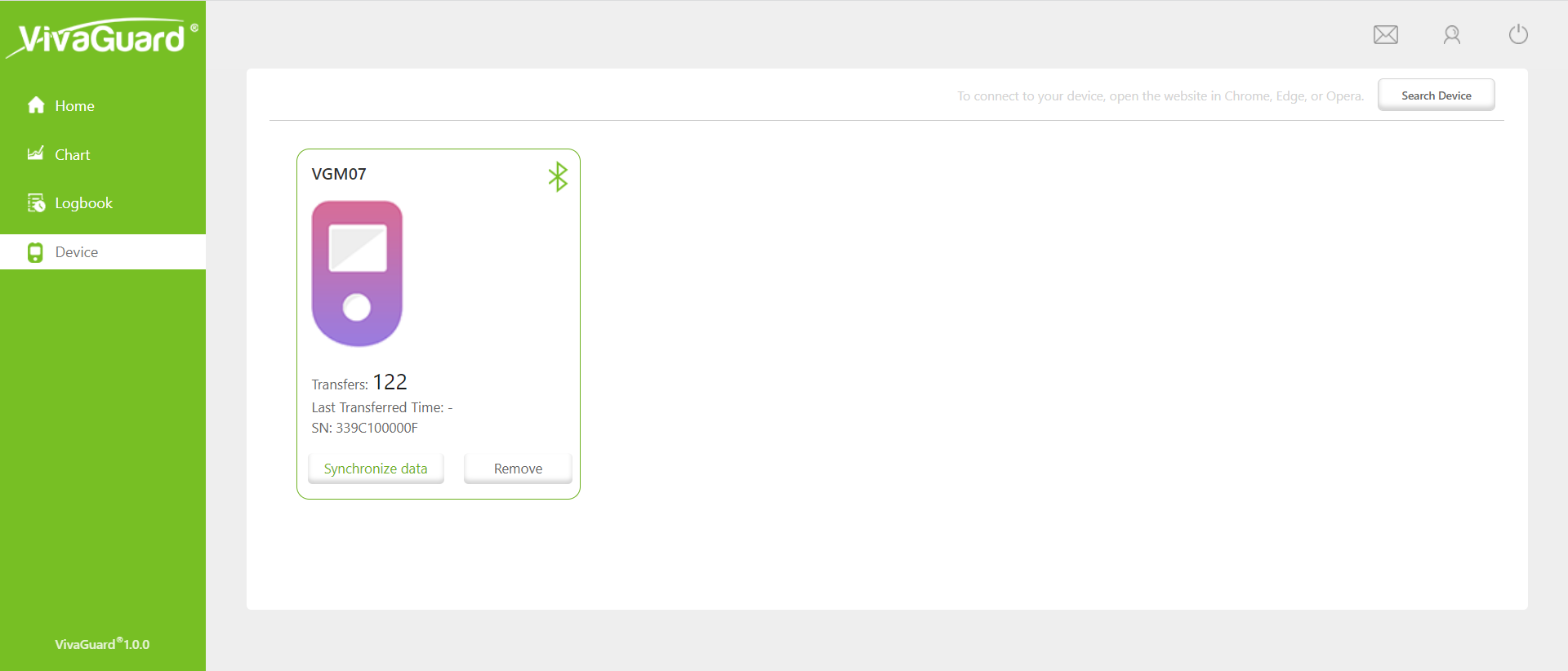
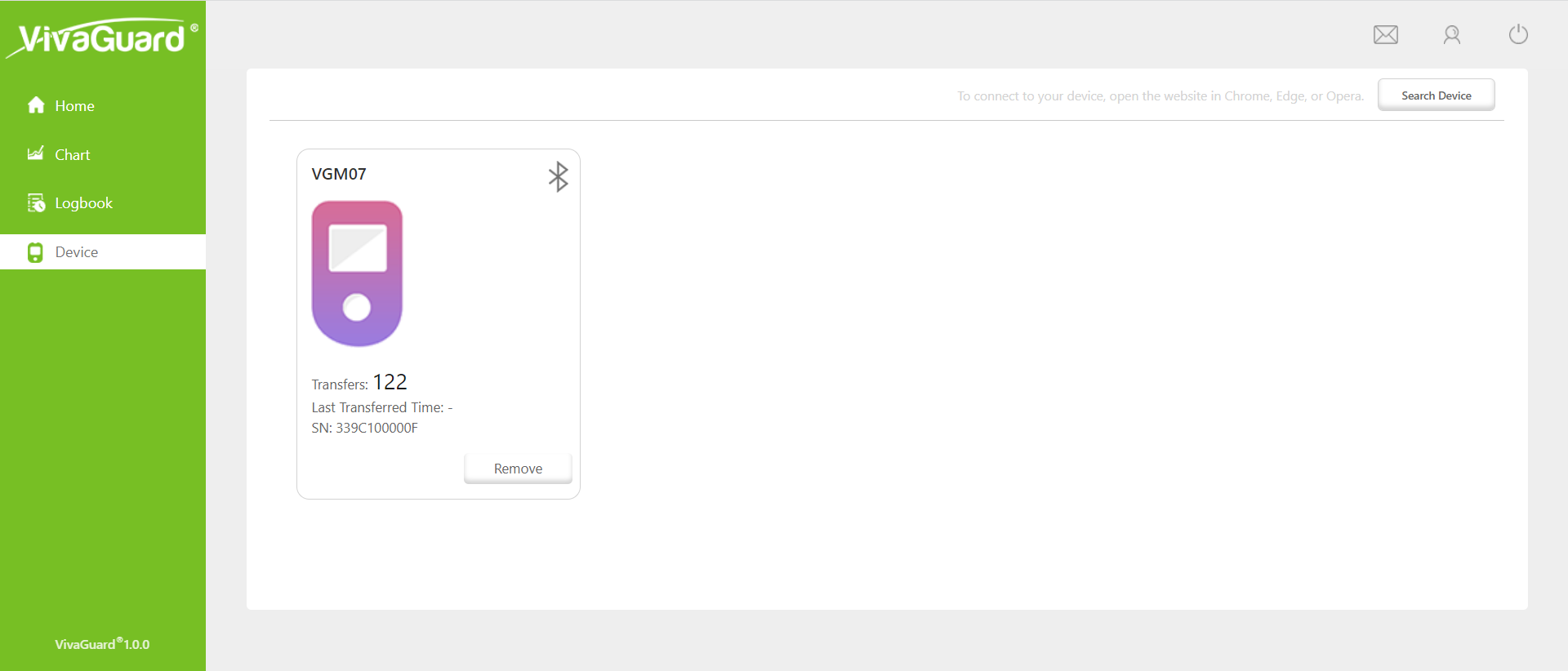
Connect the device that you want to upload data to: search for the connection or binding device in the device module;
Step 2:
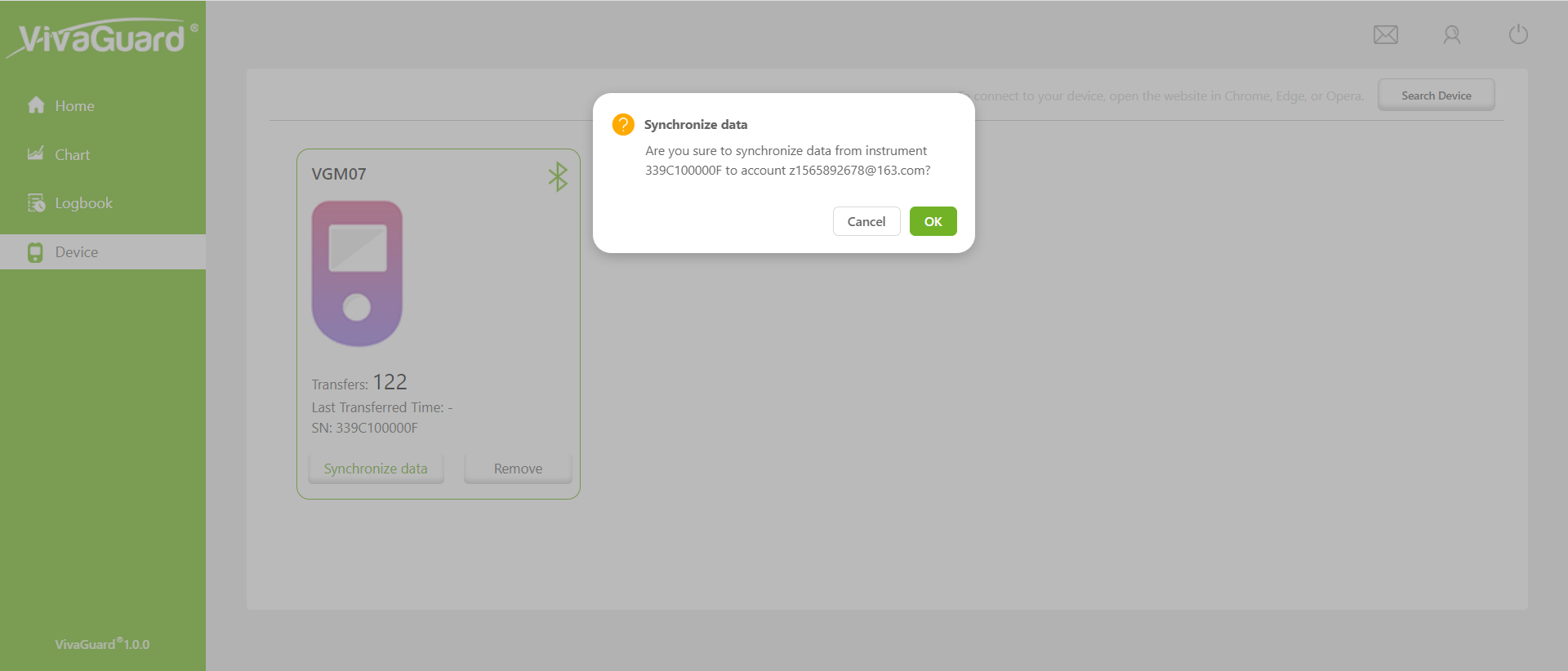
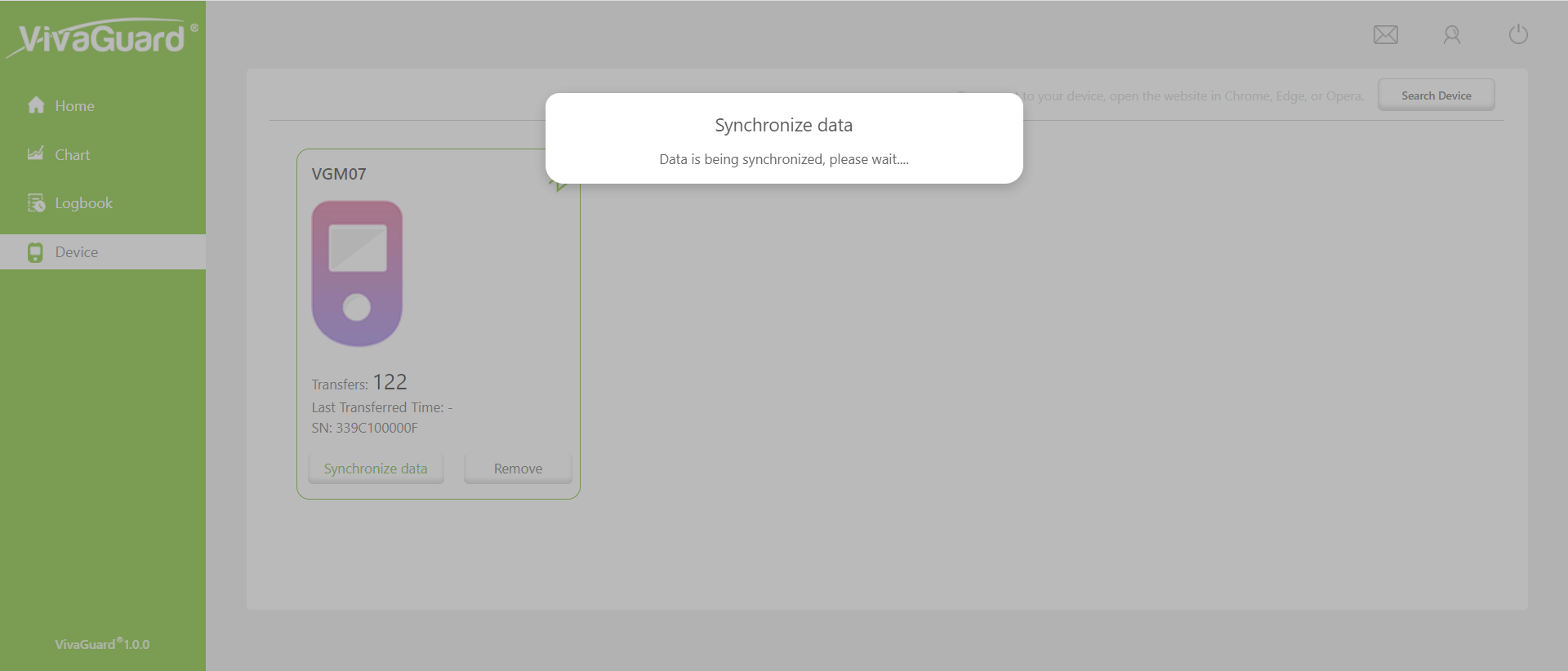
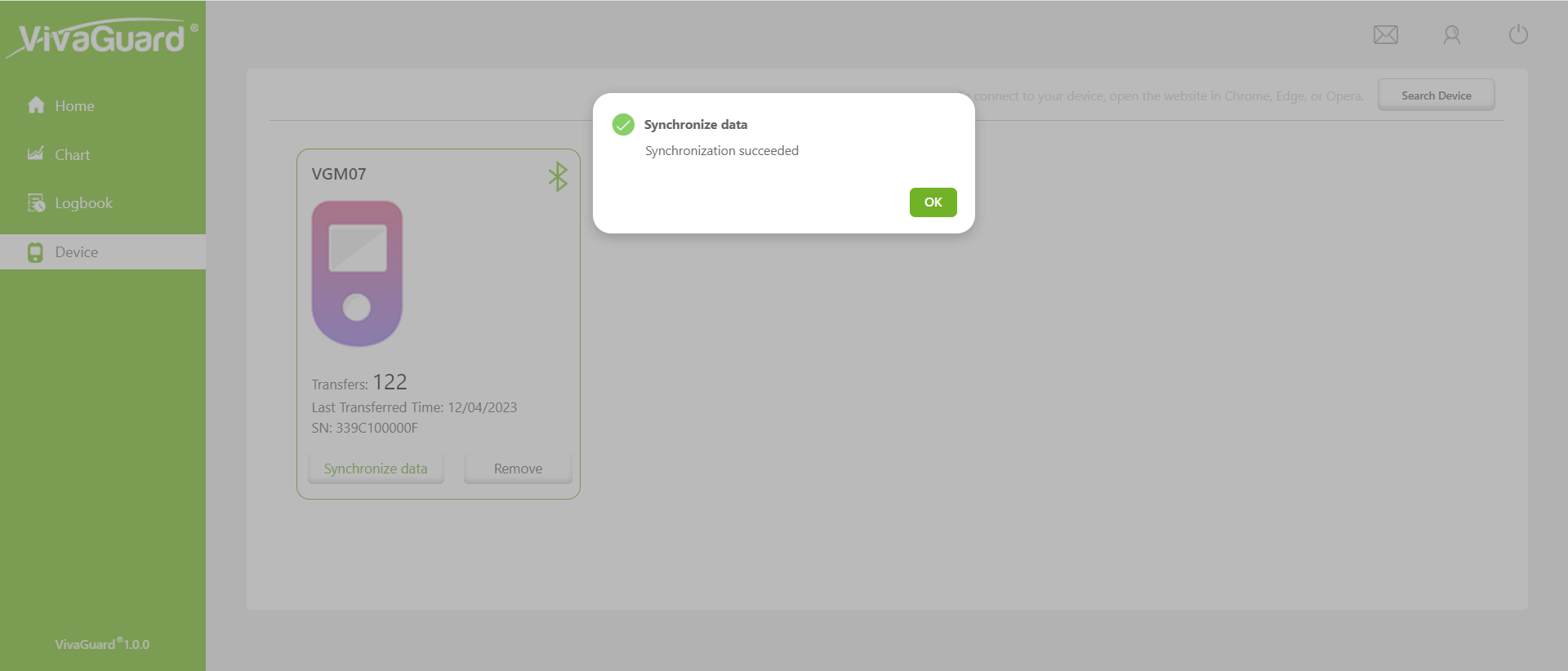
Click 'Search Device' Button. After the device is successfully connected, the device will display the button to synchronize data. Click Synchronize data to synchronize data to the Web end.This feature is only available in Chrome, Edge, and Opera browsers.